
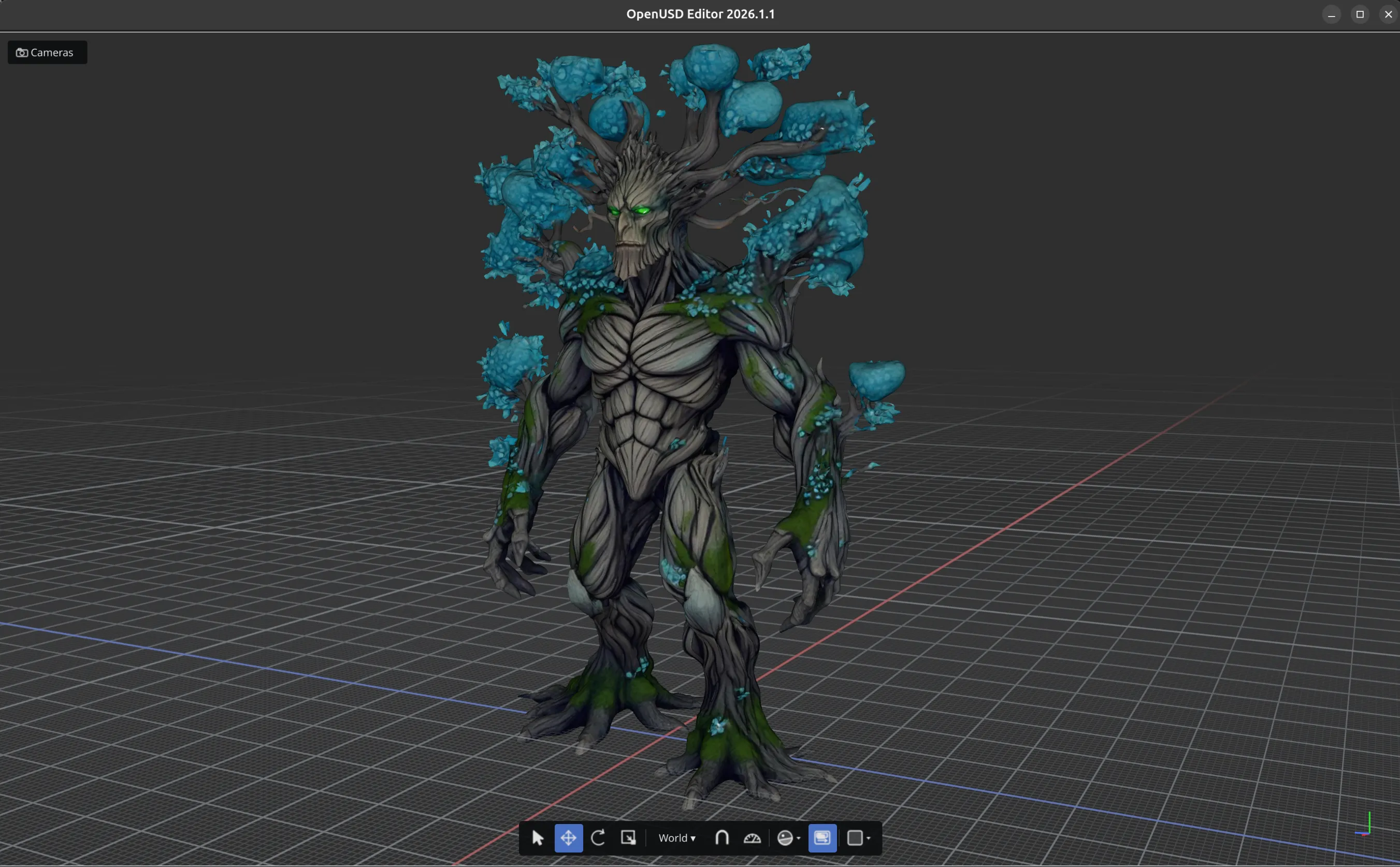
Edit · Navigate · Inspect
OPENUSDEDITOR
A lightweight, native editor powered by Hydra 2 for editing, navigation and introspection of OpenUSD stages.
Features
Everything you need to author, inspect, and export USD Stages
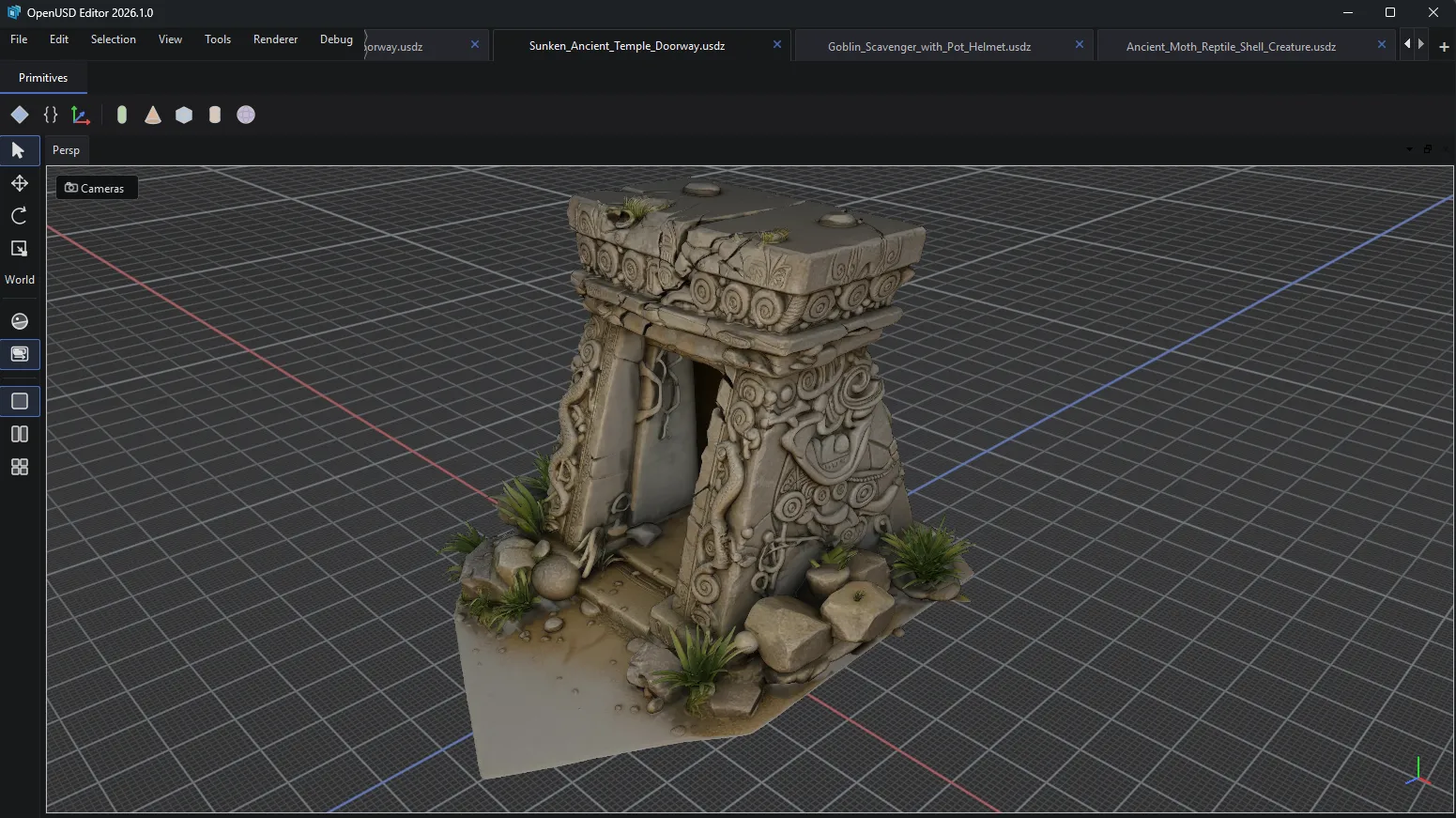
Multiple Documents
Open several USD stages at once and switch between them with document tabs.
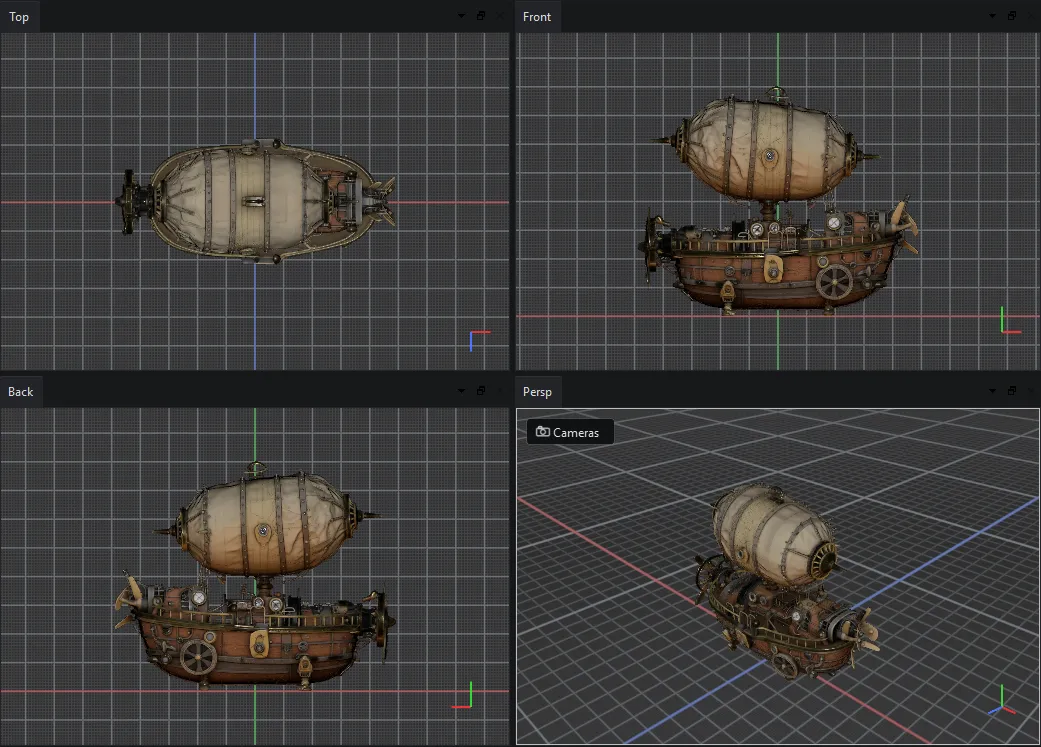
Multiple Viewports
Split the viewport into Top, Front, Back, and Perspective panes.
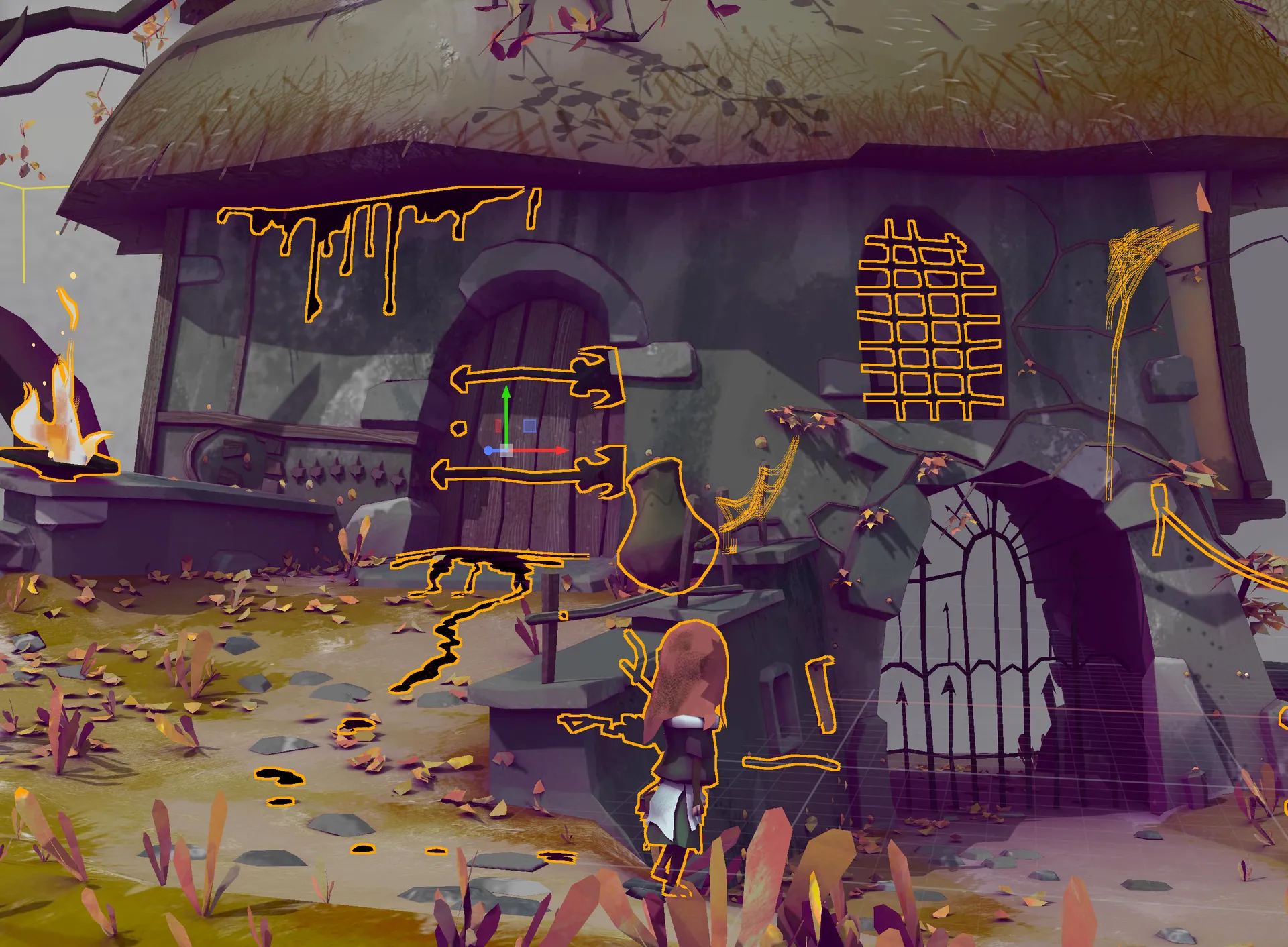
Multiple Selection
Select several prims at once and edit, transform, or inspect them together.
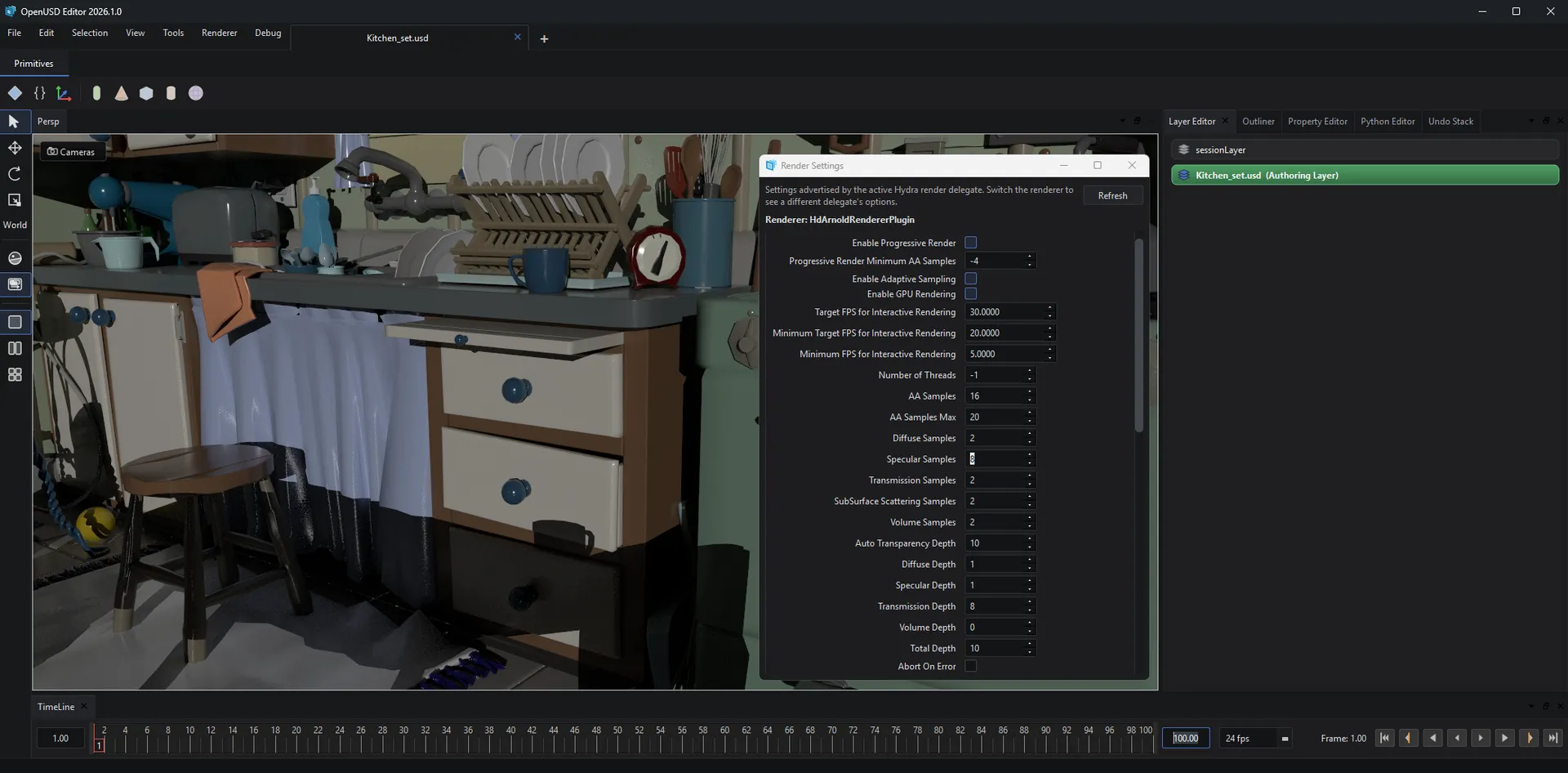
Render Delegates
Swap between production render delegates ( e.g Arnold, Cycles, and more ) to preview final-quality shading and lighting.
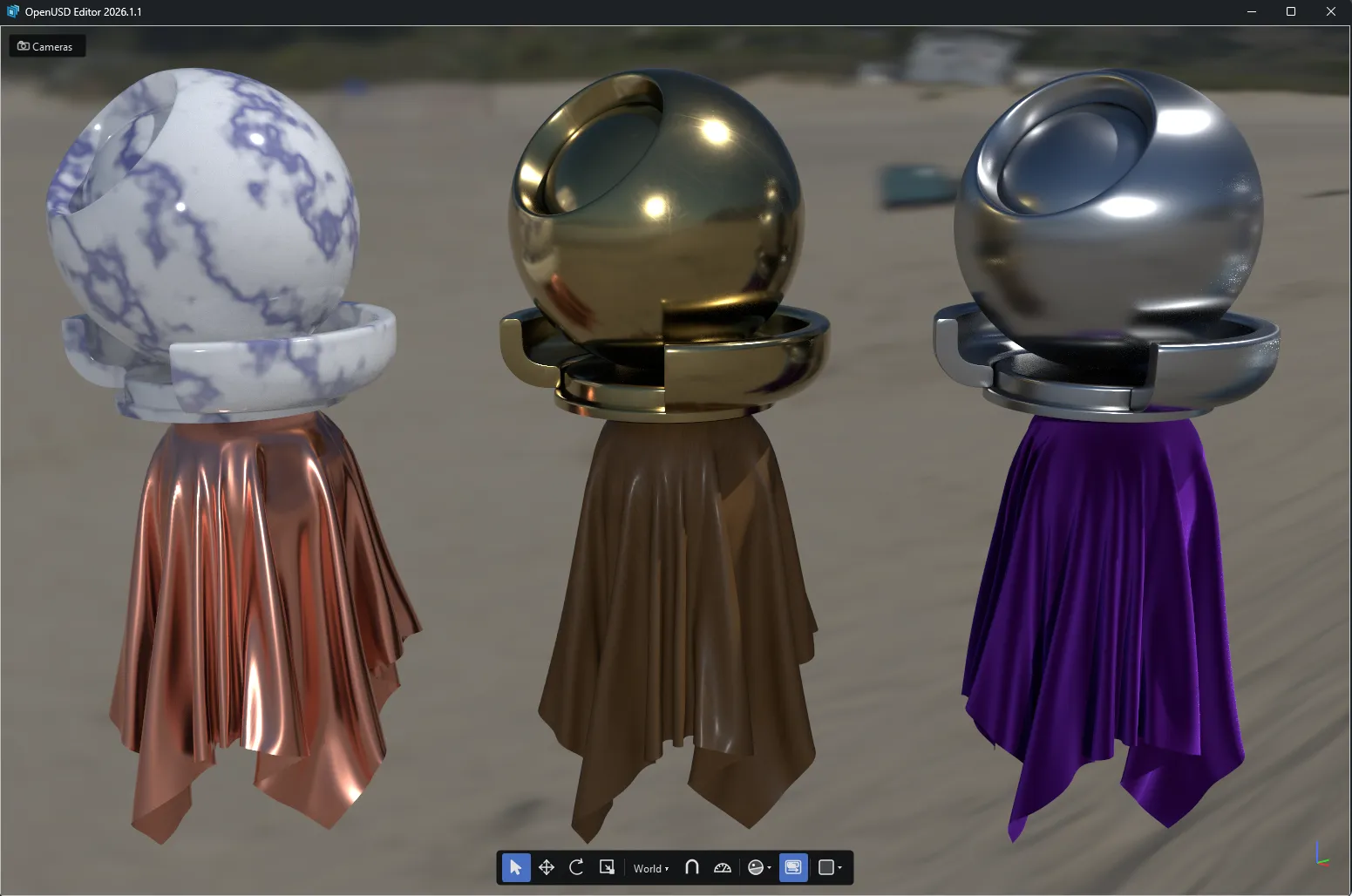
MaterialX Support
Preview MaterialX shading networks directly in the viewport.
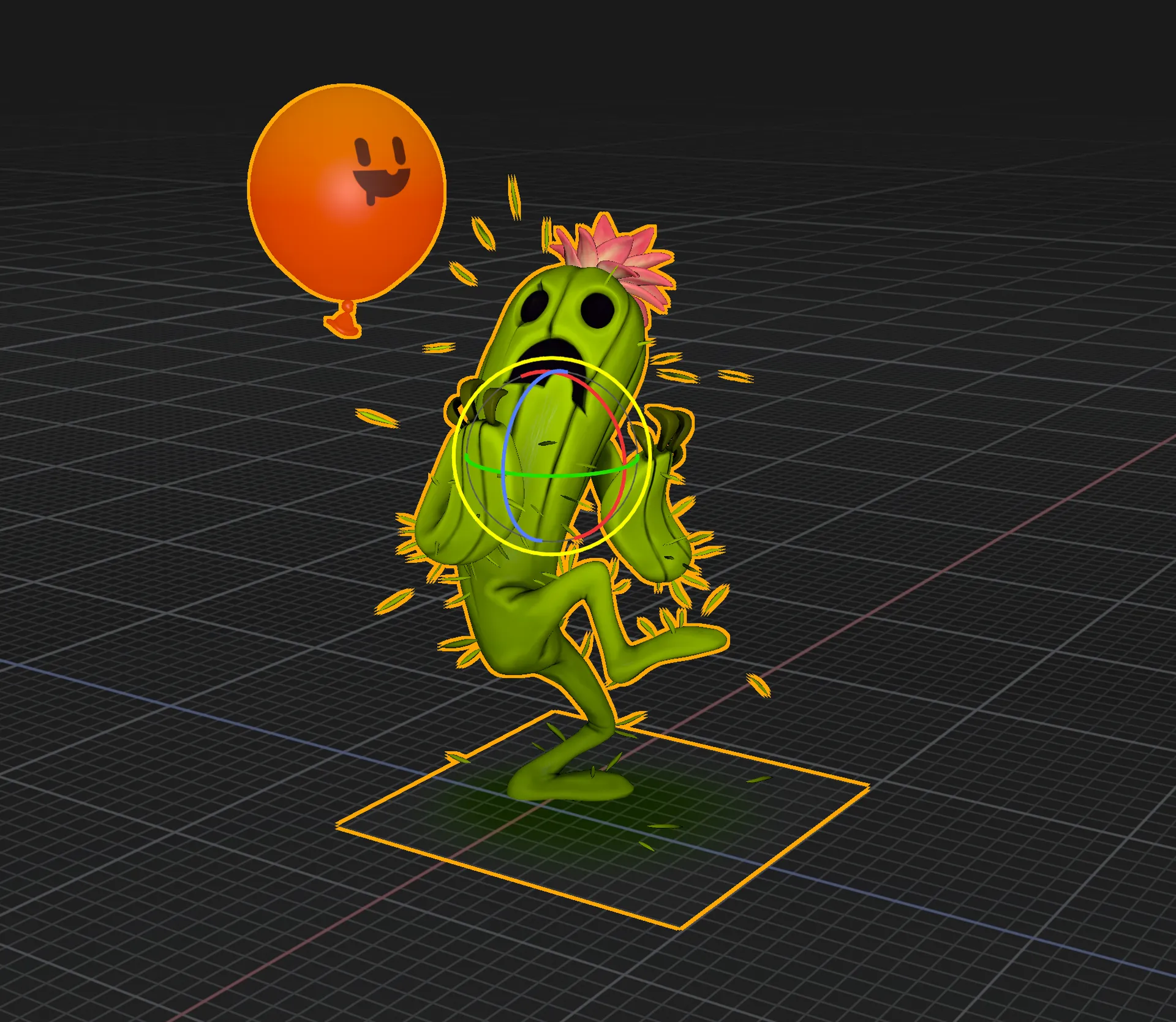
Authoring TRS
Full support for interactive translate, rotate, and scale manipulators, with per-axis gizmo control.
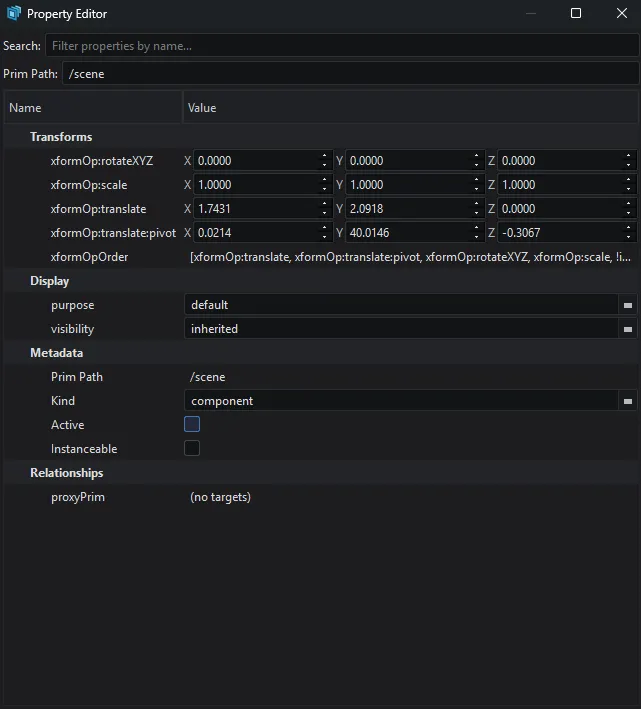
Property Editor
Author and inspect every attribute, transform op, and metadata field on a prim with search to filter properties by name.
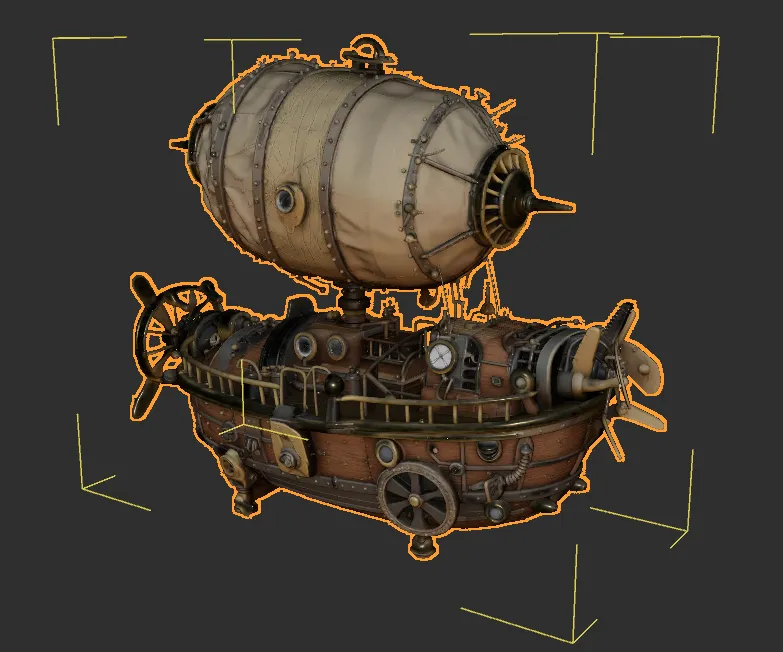
Undo / Redo
A command-based undo stack tracks every edit you make.
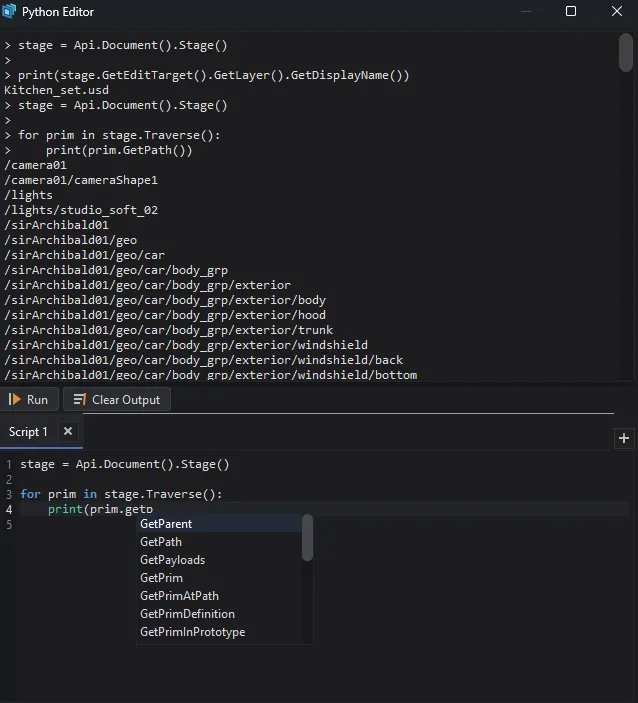
Python Scripting
Built-in Python console with autocomplete, syntax highlighting, and full access to the stage API.
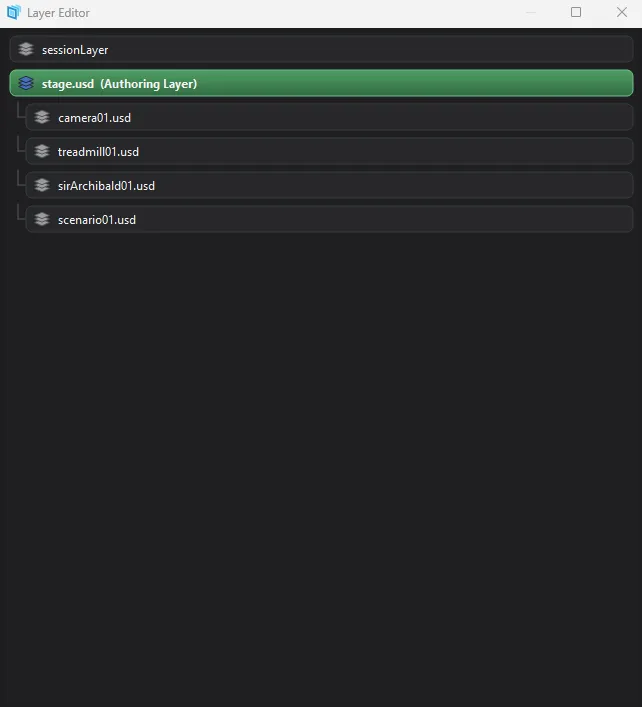
Layer Editor
Visualize the full sublayer stack, select your authoring target, inspect layers.
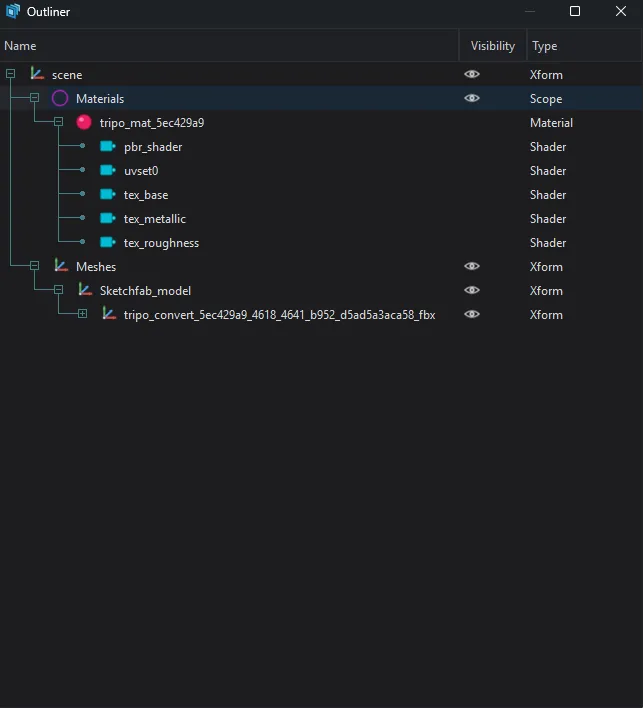
Outliner
Browse the full scene hierarchy.
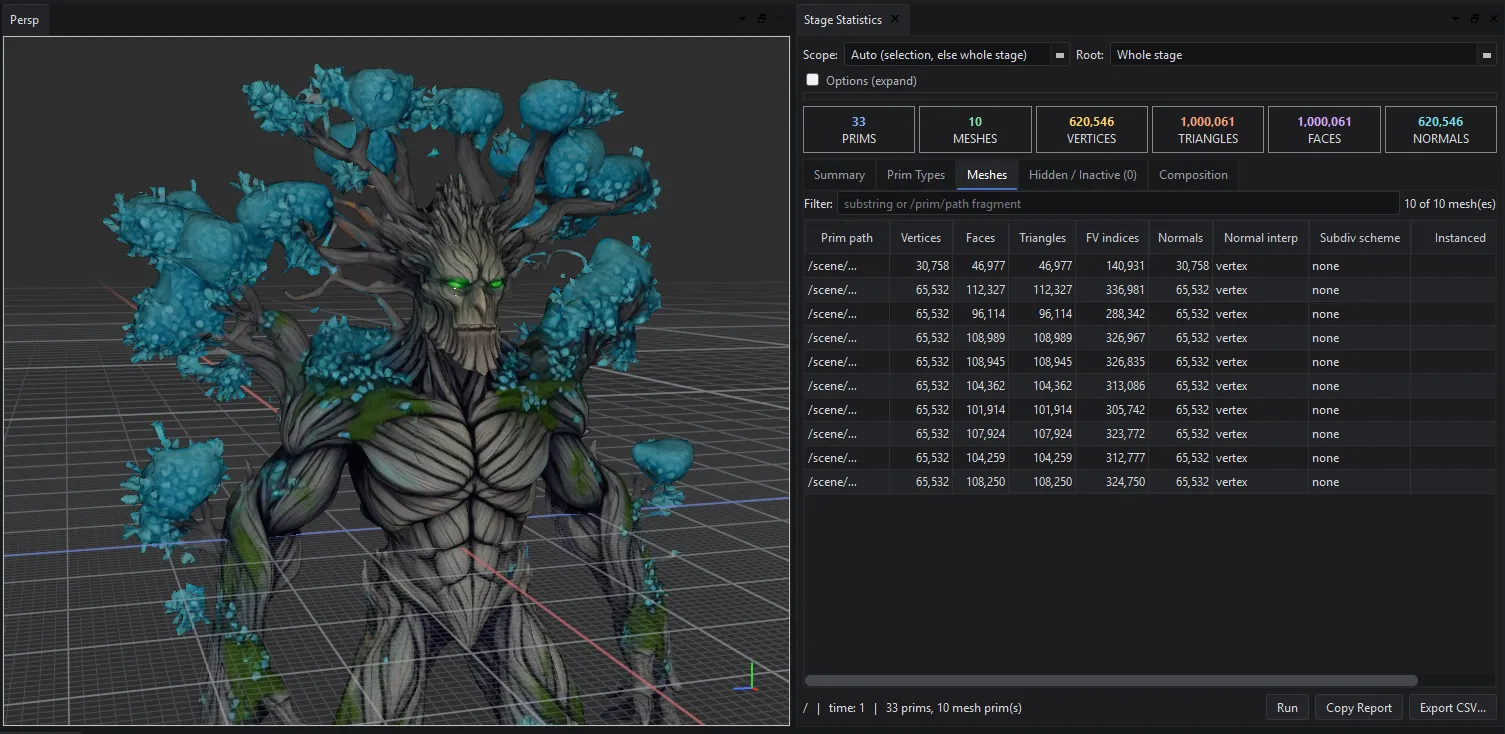
Stage Statistics
Comprehensive tools to inspect a stage ( mesh topology, prim count, etc... ).
Timeline & Animation
Scrub, play back, and author time-sampled animation on a full timeline.
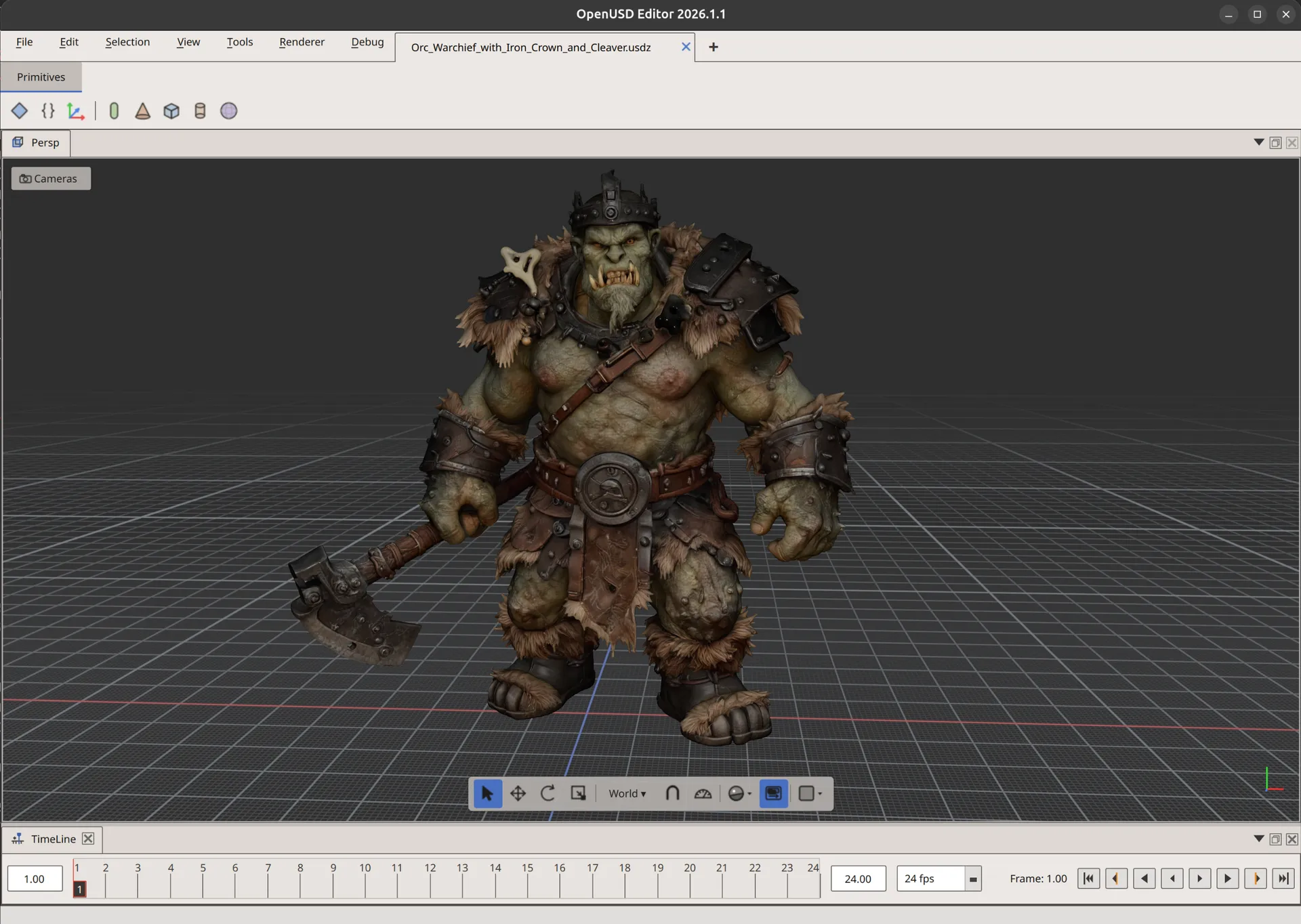
UI Themes
Switch the interface between Dark and Light themes to suit your workspace.
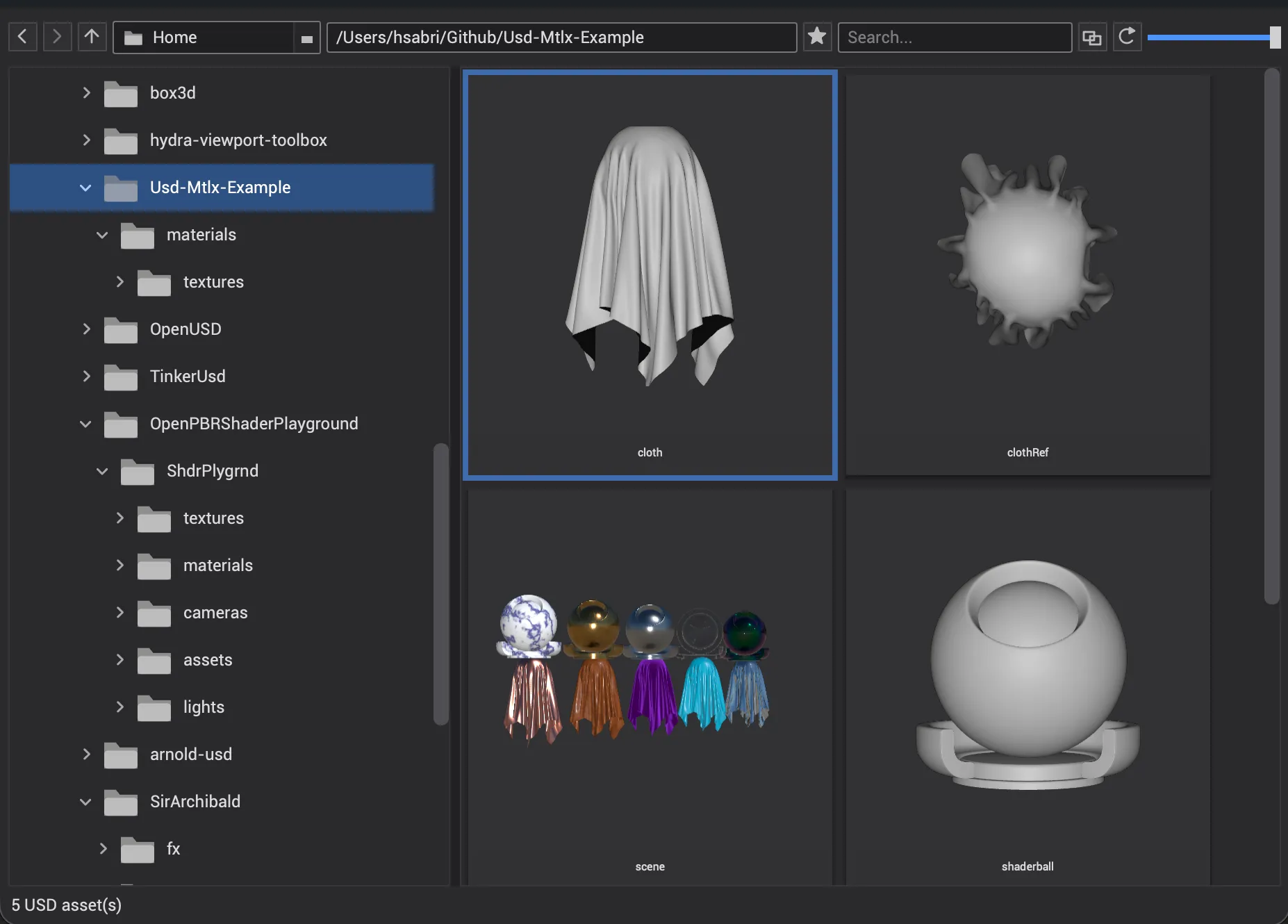
Content Browser
Browse, preview, and explore your 3D assets in one place.
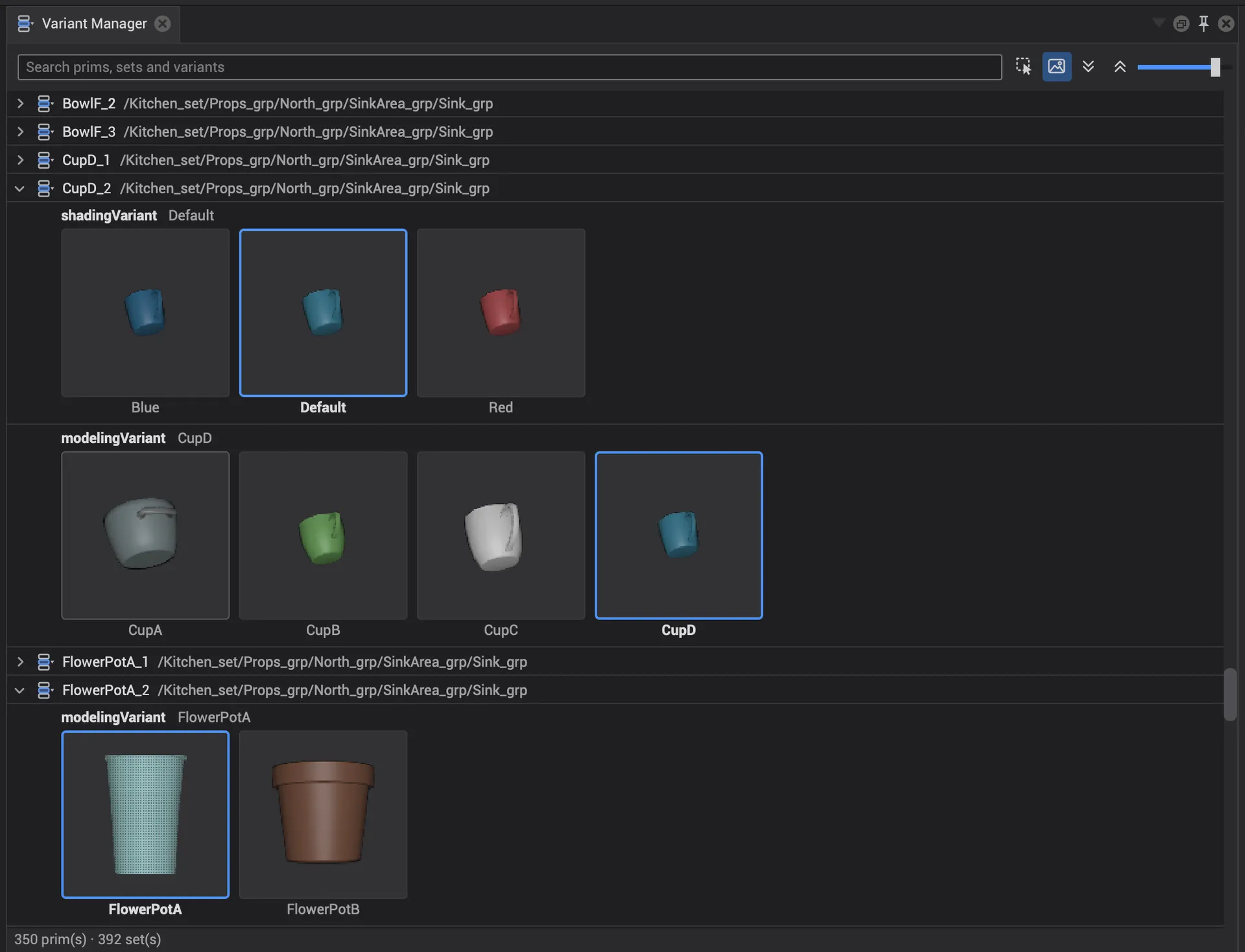
Variant Manager
View and change asset variants to explore different configurations.
About
OpenUsdEditor is a personal project that I started in early 2024, primarily as a way to learn and explore the Hydra architecture. It is a continuation of an earlier version of the project called TinkerUsd, with a more refined software architecture and a better focus on building a general-purpose editor.
OpenUsdEditor is intended to be a fast lightweight native USD editor without the unnecessary bloat that often comes with larger DCC applications.
In general, building an editor and the tooling around it is genuinely hard mostly because these tools end up being extremely specific to individual needs, pipelines, and requirements. So I have tried to keep OpenUsdEditor as simple and as unopinionated as possible.
The project is primarily written in C++ and uses OpenGL for rendering. I chose OpenGL mostly because it's the graphics API I'm most familiar with.
The project is very much a work in progress. I work on it in my spare time, usually for only a few hours during the week and on weekends, so progress can be slow at times. For now, I’m interested in seeing how the community reacts to the project and where it might go from here.
- Viewport
- Hydra 2
- Graphics
- OpenGL 4.5 / Metal
- Language
- C++ / Python
- GUI
- Qt 6
- Notices
- USD Notice Framework 1.0.2
- OpenUSD
- 26.08
Download
Get the beta.
Early tech preview · v2026.1.3 · Built against OpenUSD 26.08
FAQ
Who is it for?
Anyone who works with USD directly. Artists, developers, and pipeline engineers who need to author, inspect, and visualize a stage without dealing with DCCs.
Was this vibe coded with AI?
No, this is not a vibe coded project. The architecture and the vast majority of the code are written by hand. I have used AI-assisted coding in specific spots when I got genuinely stuck on a problem, or when I needed to learn my way around an unfamiliar corner of the OpenUSD or Hydra API. I’m not a fan of vibe coding and find no joy in it.
What render delegates are supported?
Storm is the default and always available. Beyond that, the renderer menu lists whatever Hydra render delegates are installed on your system. I’ve done minimal testing with Arnold and Cycles, and both should work. The one requirement is that a delegate be built against the same version of OpenUSD as OpenUsdEditor ( currently 26.08 ).
When will it be available?
OpenUsdEditor is in Beta development right now. check the Download section above for current status.
Where do I report bugs or ask for features?
On the GitHub issue tracker: github.com/hamedsabri/openusd-editor/issues.
Can I follow along or contribute?
Not at the moment. I haven’t decided yet whether OpenUsdEditor stays closed source or becomes open source, perhaps in the future, if there is enough interest and desire from the community. For now, the most useful thing you can do is try the beta and tell me what works and what doesn’t.